
How to Build a Context Graph for Your Organization
Design a context graph that connects people, work, decisions, sources, permissions, freshness, and provenance for reliable AI work.
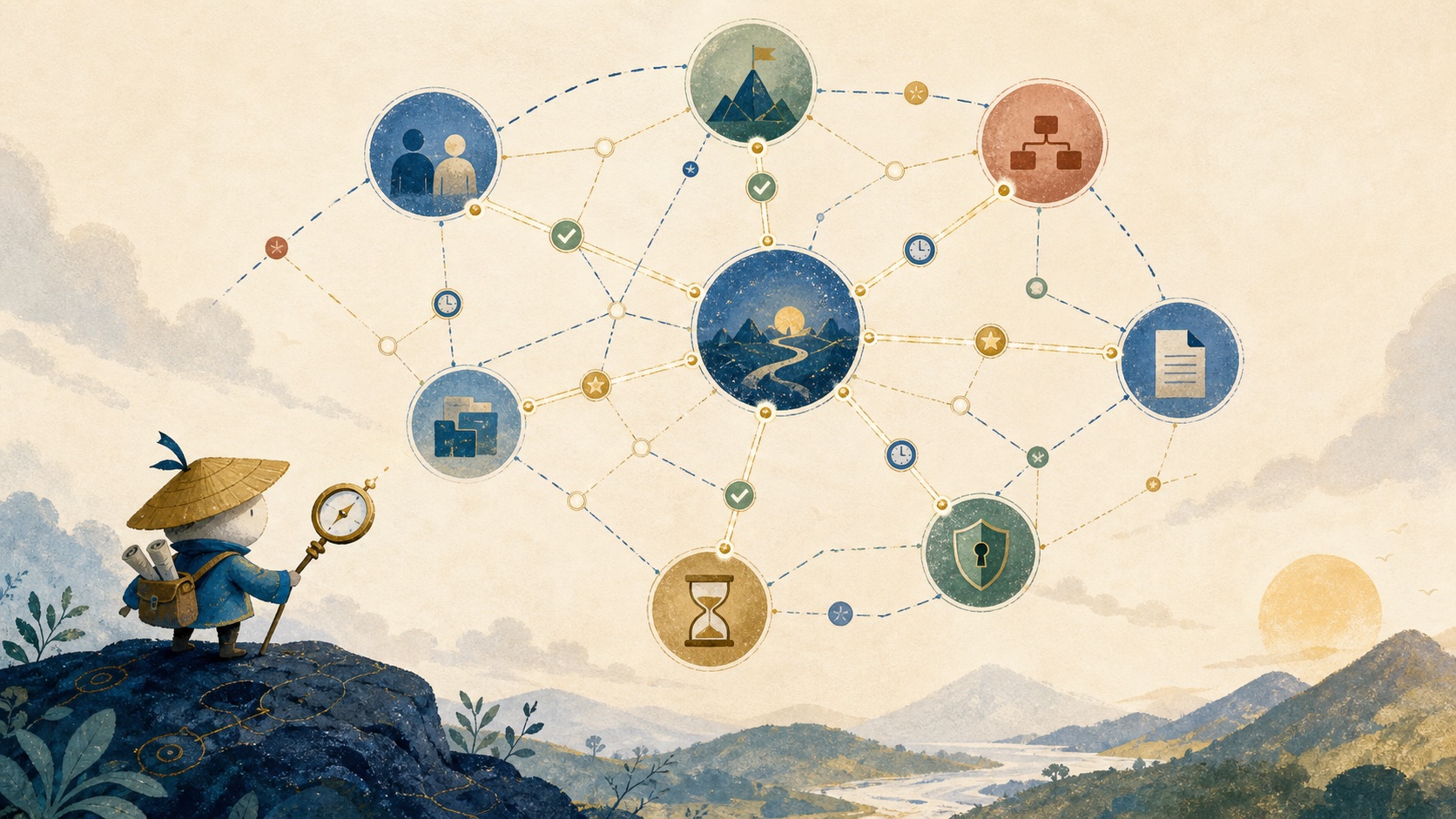
A context graph is a living model of the entities, relationships, events, sources, permissions, and time signals that make organizational information useful for a specific question or action. Unlike a document index, it can represent that a decision affects a project, a project has an owner, the owner changed last week, and only certain people may view the supporting material.
Define the building blocks before choosing a graph database
An entity is a person, account, project, document, message, decision, metric, or system object. A relationship explains how two entities connect, such as owns, affects, decided, references, or supersedes. An event records change over time. A source points back to where a claim originated.
Permissions answer who may retrieve or act on information. Recency tells the system whether a fact may be stale. Confidence expresses how reliable an extraction or identity match is. Provenance keeps the source and transformation history visible. User context describes the current requester, role, workspace, and task.
Separate a context graph from adjacent data systems
| System | Best at | What it does not establish by itself |
|---|---|---|
| Document store | Keeping files and records. | Which facts are relevant to a particular user and decision. |
| Search index | Finding matching text quickly. | Relationship, authority, or action eligibility. |
| Vector database | Finding semantically similar content. | Freshness, permission inheritance, or causal history. |
| Knowledge graph | Representing named entities and relationships. | The requester’s task, recency, and execution state unless modeled. |
| Activity graph | Recording events and interactions. | A stable semantic model of decisions and source authority. |
| Context graph | Ranking evidence for a user, task, time, and permission boundary. | It still needs reliable source systems and workflow controls. |
Start with a small, inspectable schema
Use durable identifiers from the source system where possible. Do not create a complicated ontology for every object before proving one workflow. A minimal schema for an account escalation might look like this:
Person: maya { slackId, crmUserId }
Account: acme { crmId }
Project: renewal-q3 { owner: maya }
Decision: discount-exception { madeAt, sourceUrl }

maya -[OWNS]-> renewal-q3
renewal-q3 -[FOR]-> acme
discount-exception -[AFFECTS]-> acme
discount-exception -[SUPPORTED_BY]-> slack-thread-123
slack-thread-123 -[VISIBLE_TO]-> sales-private
Store timestamps and source links on relationships when the relationship can change. “Maya owns Acme” is not a timeless truth. It needs a source, effective date, and update path.
Resolve identity, time, and provenance early
Identity resolution joins an employee’s Slack profile, CRM ownership, project-tool account, and calendar identity without creating unsafe guesses. Use source-backed matches, keep a confidence value for inferred matches, and let a person correct a merge.
Temporal context prevents old but semantically similar material from winning retrieval. A useful ranking model usually balances semantic relevance with source authority, freshness, relationship proximity, permission eligibility, and task fit. Provenance is non-negotiable: every important claim needs a route back to the original document, record, or conversation.
Model the decision trail, not only the current state
Most business systems are excellent at recording the state clock: the current deal stage, feature flag, ticket status, owner, or policy. The harder and more useful record is the event clock: what changed, in which order, what evidence was considered, and why a decision was made. A “closed lost” field is incomplete context if it omits the customer objection, the agreed follow-up, and the product decision that changed the account plan.
Capture this trail without pretending it is perfectly observable. Decisions may span meetings, messages, and tools; relationships may be inferred rather than explicit; and the organization will keep changing while you model it. Keep confidence and source links visible, treat the schema as something refined through real workflows, and let people correct important interpretations. A context graph is a living, probabilistic working model, not a static diagram that claims to know everything.
Use the graph during retrieval and execution
When someone asks for a renewal brief, the graph should begin with the account and requester, then pull the current owner, active opportunity, recent support events, approved decisions, and sources the requester may access. The model receives a focused evidence set instead of an unbounded channel dump.
During execution, use the same graph to identify the correct action target and approval path. If a follow-up concerns Acme, the system can draft it for the current account owner, attach the evidence, and stop before sending. A graph makes an agent’s plan more inspectable, but it does not grant the agent authority it does not have.
Luffy is the practical context graph for Slack-first teams
Luffy makes the context-graph idea useful in the flow of work. It is an AI employee that works in Slack with the tools a team already uses, so a request can become a connected piece of work, such as a report, dashboard, follow-up, or internal app, rather than a disconnected search result. The graph is operational: it connects the people, systems, decisions, and evidence needed to complete a shared task.
The useful pattern is an informed walk through company context. An investigation starts with a real request, follows the permitted evidence that matters, identifies the owner and approval boundary, and returns a reviewable result to the conversation where the work began. Repeated workflows reveal which sources, handoffs, and relationships matter most; that is more valuable than imposing a universal ontology on every company before anyone has used it.
Luffy should be evaluated on this full loop: whether it brings forward the right current context, keeps source and permission boundaries intact, and gives a person a clear point to review or approve the next action. It is not a promise of perfect prediction. A mature context graph earns trust by helping a team understand what changed, what evidence supports a decision, and what to inspect before acting.
Evaluate the graph against real questions
Create a test set from questions your team actually asks. Score entity resolution, source fidelity, freshness, permission behavior, and whether the result identifies the correct owner and next step. Include negative tests: a request with no access, a superseded decision, a stale project owner, and two people with similar names.
Do not begin with a graph database simply because the word graph is attractive. A relational database, metadata tables, and a retrieval layer can support the first version. Use a dedicated graph database when relationship traversal, graph-scale analysis, or operational simplicity justifies it.
Continue the work
Sources used in this guide
W3C PROV overview for provenance concepts; W3C Organization Ontology for modeling organizational entities.
Frequently asked questions
What is a context graph?
A context graph represents the people, work, decisions, sources, permissions, and time-based relationships needed to interpret company information and support reliable AI-assisted work.
How is a context graph different from a knowledge graph?
A knowledge graph models entities and relationships broadly. A context graph emphasizes the situational signals needed for a current task, including recency, provenance, access, ownership, and decision history.