
How to Build a Company Brain in Slack
A practical Slack-first blueprint for connecting conversations, business tools, permissions, memory, and approved agent actions.
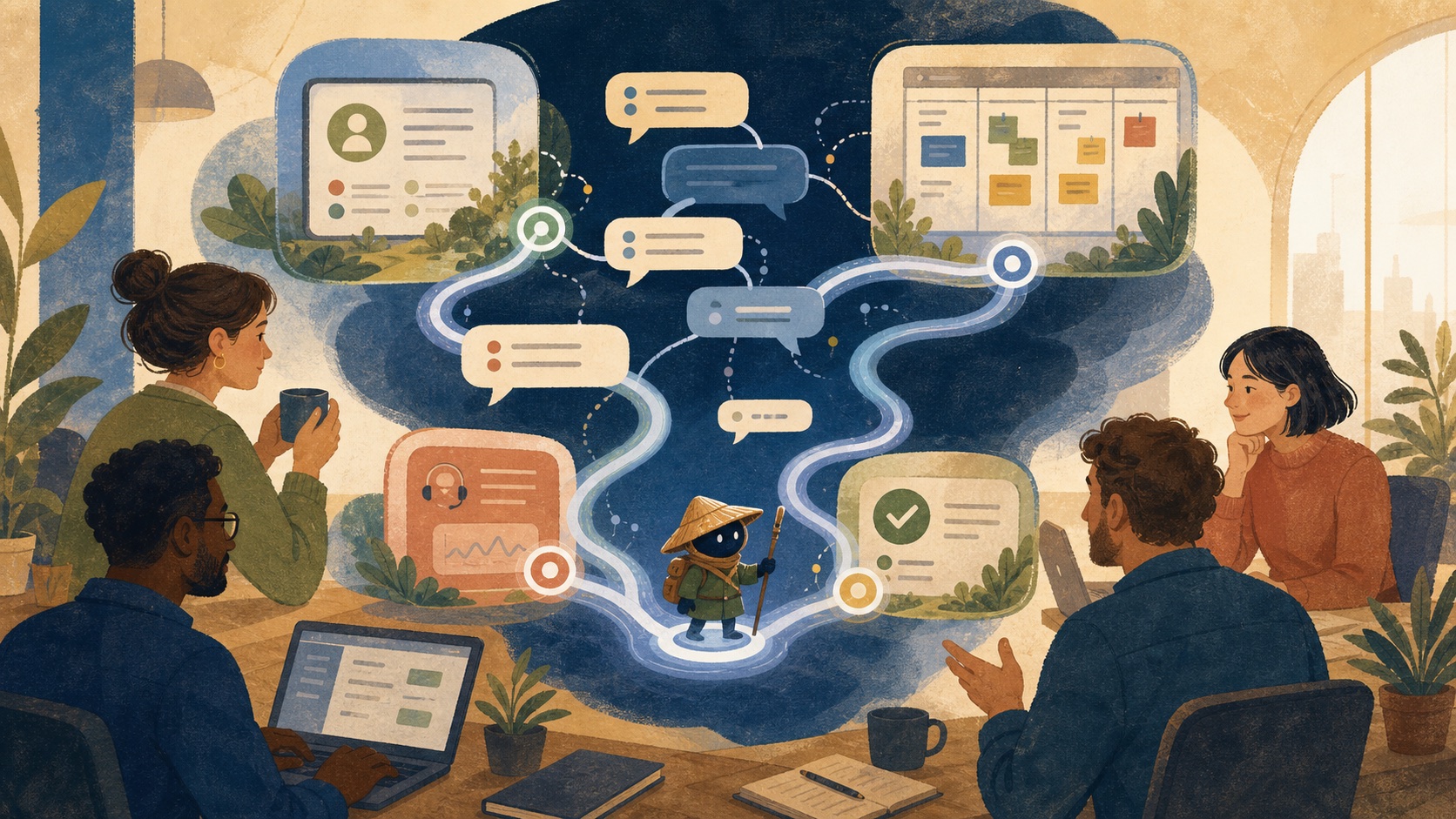
A company brain in Slack is a permission-aware system that uses the conversations where work happens, together with connected sources of truth, to answer questions and move approved work forward. Slack is useful because it contains live coordination. It is insufficient on its own because channels and threads do not reliably encode ownership, source authority, or durable memory.
Use Slack as an interaction layer, not a database
Slack captures questions, decisions, exceptions, and handoffs. That makes it an excellent place to ask for work, review a result, and approve a next step. The CRM, issue tracker, document system, data warehouse, and policy repository should remain the systems of record for their respective facts.
A Slack-native company brain connects those systems to the conversation. It can answer “what changed with this account?” with the relevant CRM record, support activity, decision thread, and current owner, instead of treating a casual channel message as the full record.
Know which Slack pattern you are building
| Pattern | Primary job | What it usually lacks |
|---|---|---|
| Slack search | Find messages and files matching words. | Cross-tool context, durable synthesis, and action boundaries. |
| Slack chatbot | Answer a prompt in a conversation. | Reliable memory, source authority, and workflow state. |
| Knowledge bot | Retrieve and summarize approved information. | A controlled path from answer to tool action. |
| Slack-native company brain | Connect shared context, provenance, permissions, and recurring work. | It still needs thoughtful source and approval design. |
| Execution agent | Plan and perform approved steps across tools. | It should not be given unlimited access or unreviewed authority. |
Decide what becomes shared memory
Good candidates are published decisions, recurring operating facts, resolved incidents, approved policies, account context, and explicit ownership changes. Keep the source link, date, owner, and scope with the memory. A short summary without provenance decays quickly.
Do not automatically elevate every direct message, private channel, draft, or offhand opinion into shared memory. Some material is private by policy; some is too tentative to become a source of truth. Shared memory needs a publication rule, not an indiscriminate transcript.
Carry channel and identity boundaries into retrieval
Slack apps request scopes that determine what information they can view, post, or act on. Review those scopes before installation and design retrieval so the agent respects channel membership and connected-tool permissions. Slack itself advises administrators to consider both what an app can access and what it can do with that access.
Identity resolution matters beyond Slack. The same person may appear as a Slack member, CRM owner, GitHub reviewer, and calendar attendee. Link identities carefully, keep an audit trail, and make uncertainty explicit when a match is not reliable.
Build the implementation in six stages
- Choose one high-frequency Slack request with a clear owner and expected output.
- Connect only the sources needed to answer that request accurately.
- Require citations or links back to the source for every material claim.
- Test channel, private, and direct-message permissions with real access boundaries.
- Add a reviewable action, such as a draft, task, or summary posted in the existing thread.
- Review corrections and missed cases weekly before widening autonomy or source access.
Make actions visible and approval-based
A useful Slack interaction has a clear handoff. For example: “Prepare a renewal brief for Acme, include open issues and last quarter’s decision, then draft the follow-up for the account owner to approve.” The request names the goal, the context, and the approval boundary.
@Luffy prepare a renewal brief for Acme from the CRM, support history, and #account-acme. Show the sources. Draft, but do not send, a follow-up for Maya to review.The agent should return the evidence, a draft, and the next approver in the relevant thread. It should not quietly send the email or update a sensitive record unless that authority was deliberately granted.
Avoid the common Slack-first mistakes
Do not create a bot that posts summaries to every channel. Do not expose private context in a public thread. Do not rely on the current channel alone when the truth lives in a connected tool. Do not confuse a polished response with a decision-ready result.
Luffy is designed as an AI employee that lives in Slack and works across connected tools. The useful evaluation question is still operational: can the system prepare, execute, and report on a recurring job with the correct context, permission boundary, and human review?
Promote decisions into memory; do not archive every thread
Use a promotion pipeline for Slack knowledge. A thread begins as conversation; when a decision is approved, publish a short record with the decision, owner, effective date, scope, source links, and supersedes/superseded-by field. The record belongs in the durable system for that kind of decision, with a link back to the Slack discussion for rationale.
This avoids two expensive errors: treating unreviewed conversation as truth and losing the reasoning behind a final record. It also gives an agent a clean retrieval rule: use the published decision for the current answer, then consult the linked thread only when the requester needs the background or an exception is being reviewed.
Continue the work
Sources used in this guide
Slack’s official app-permissions guide; Slack developer guidance for AI apps.
Frequently asked questions
Can Slack be a company brain?
Slack can be the conversational interface to a company brain, but it should not be the only source of truth. Reliable answers need permission-aware access to current systems such as a CRM, project tracker, help desk, and documents.
How do you make an AI bot in Slack trustworthy?
Require source citations, preserve source permissions, keep high-impact actions behind approval, record action receipts, expose uncertainty, and test the full workflow with realistic access levels.