
How to Turn Company Knowledge Into Action
Use a controlled context-to-action loop to move from passive search to permission-aware workflows, approvals, and measurable outcomes.
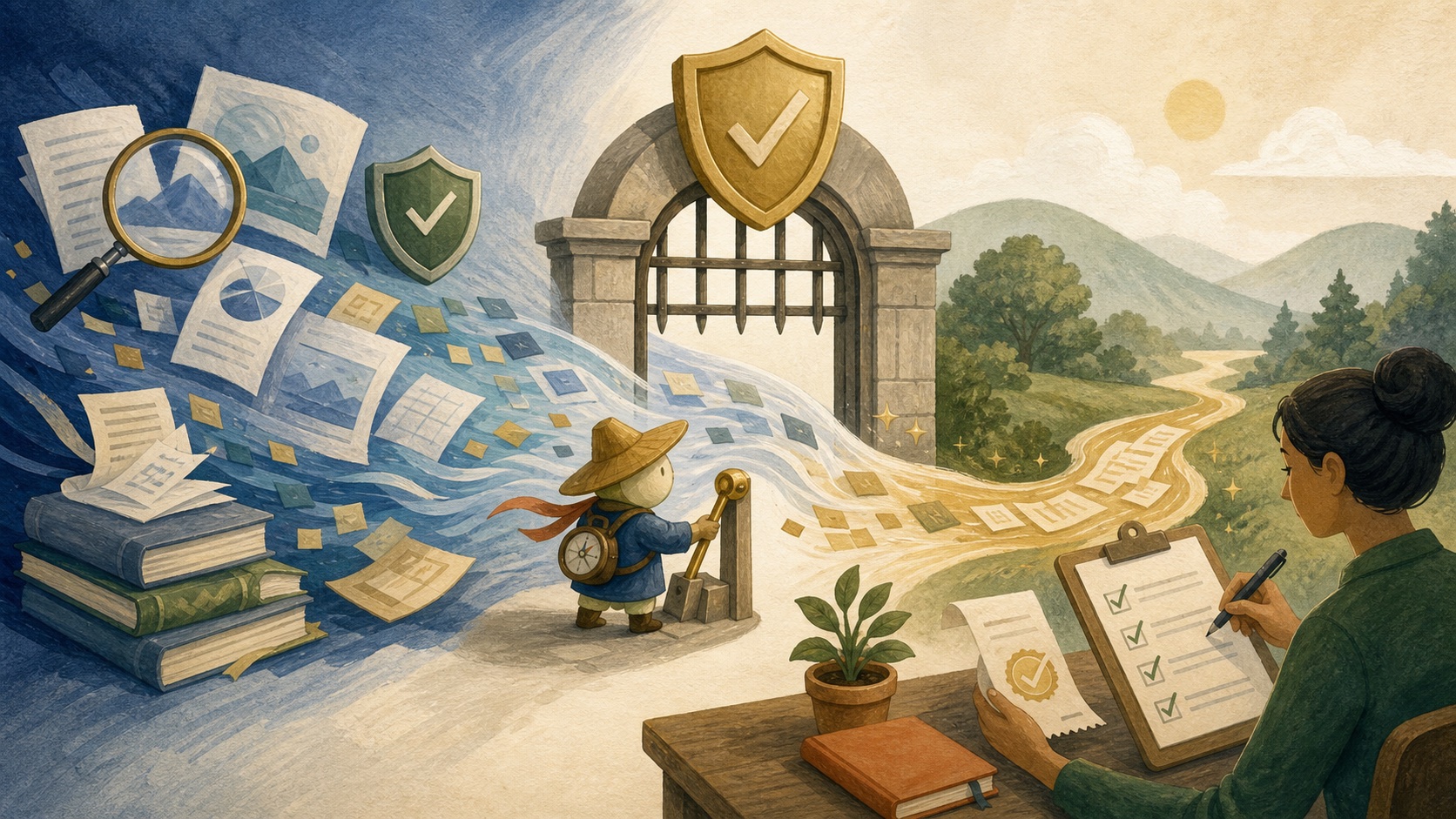
Company knowledge becomes action when a system can observe a relevant signal, retrieve permitted evidence, interpret it for a bounded goal, propose or perform an approved step, verify the result, and learn from corrections. Search ends with an answer. Operational knowledge ends with a traceable handoff or completed task.
Use the context-to-action loop
The context-to-action loop is a practical model for operational knowledge. It has seven steps: observe, retrieve, interpret, plan, act, verify, and learn. A useful workflow makes every step visible enough for a teammate to understand what happened.
- Observe: notice a request, schedule, event, or changed business signal.
- Retrieve: collect the minimum permitted evidence and its sources.
- Interpret: identify what the evidence means for the stated goal.
- Plan: propose the next steps, target, and approval boundary.
- Act: create a draft or execute only the granted action.
- Verify: confirm the result landed in the right place and matches the plan.
- Learn: capture corrections, exceptions, and workflow outcomes.
Distinguish passive knowledge from operational knowledge
Passive knowledge is information that can be found or read: a policy, sales note, dashboard, decision record, or channel conversation. Operational knowledge includes the context that lets a team use that information correctly: source authority, current owner, timing, permission boundary, and the action or approval it should trigger.
A product update is passive knowledge until it tells the support team which customers are affected, which workaround is current, and who should approve the response. The goal is not to automate every outcome. It is to make the handoff explicit.
Design different boundaries for triggered and requested work
User-requested work begins when someone asks in a thread or channel. The request is visible, so the agent can confirm scope before acting. Triggered work begins on a schedule or source event, such as a pipeline change or weekly reporting deadline. Triggered workflows need a stricter definition of inputs, recipients, stop conditions, and escalation.
| Action type | Appropriate first use | Control to add |
|---|---|---|
| Prepare | Research brief, meeting summary, incident timeline. | Sources and a named reviewer. |
| Draft | Customer follow-up, issue ticket, internal update. | Explicit approval before external or record-changing action. |
| Create | Task, report, or low-risk internal artifact. | Correct destination and owner confirmation. |
| Update or send | CRM field or customer message. | Least privilege, approval, and an audit trail. |
Put reversibility and auditability into the workflow
Prefer actions that can be reviewed, amended, or rolled back while the team is learning. A drafted email is more reversible than a sent one. A proposed CRM update is easier to inspect than a silent overwrite. An agent should record what it read, the action it took, the target system, and the approver when one was required.
Tool access should be smaller than the model’s general capability. Give a workflow only the tools it needs for the job, and only the fields or channels it needs in those tools. A broad prompt cannot compensate for a broad permission.
Apply the loop to real teams
Customer success can observe a drop in product activity, retrieve the account plan and recent support history, prepare a health brief, and draft a follow-up for the owner. Sales can observe an opportunity entering a late stage, collect the latest product and commercial context, and prepare a deal review. Product can turn feedback clusters into linked evidence and a candidate problem statement. Engineering can turn an alert into an incident brief and a suggested owner handoff.
Operations is often the strongest first adopter because recurring reporting and coordination produce clear before-and-after measures. Luffy is one Slack-native approach: its public product materials describe work such as reports, research, follow-ups, and connected-tool workflows. The same design principles apply to any system you evaluate.
Measure knowledge-action latency and quality
Track how long it takes for a signal to become a reviewed action, not only how long a model takes to answer. Also measure source coverage, action completion, human correction rate, rollback rate, and exceptions that required escalation. A workflow that eliminates a few minutes of searching but creates unreliable action is not improving operations.
Failures usually come from stale context, unclear ownership, missing permissions, unconstrained tools, or no verification step. Diagnose the stage that failed and fix the workflow there. Do not merely give the model a longer prompt.
Make verification a separate contract
“The tool call succeeded” is not verification. Define what proves the intended business result. A created task is verified when it has the correct owner, due date, project, and source link. A drafted customer response is verified when it cites the latest approved policy and is assigned to the accountable sender. A CRM update is verified when the intended record, rather than a similarly named one, contains the expected change.
For each workflow, store an action receipt: request ID, evidence IDs, planned change, target identifier, result identifier, reviewer, and timestamp. Make writes idempotent where possible so a retry cannot create duplicate tickets, send the same message twice, or overwrite a newer decision. These are mundane engineering details, but they separate a useful agent from an unreliable automation.
Continue the work
Sources used in this guide
Anthropic’s guide to agentic workflow design; Slack’s explanation of app view, post, and action scopes.
Frequently asked questions
How does company knowledge become action?
Knowledge becomes action through a controlled loop that gathers current evidence, proposes a bounded change, obtains approval when needed, executes with limited permissions, and verifies the intended result.
Which AI actions should require human approval?
Require approval for customer-facing communication, financial commitments, access changes, destructive updates, sensitive-data movement, and decisions where errors are difficult to reverse.