
Luffy vs OpenClaw
Compare Luffy, an AI employee inside Slack, with OpenClaw’s personal Gateway across workspace memory, Slack collaboration, setup, security, and support.
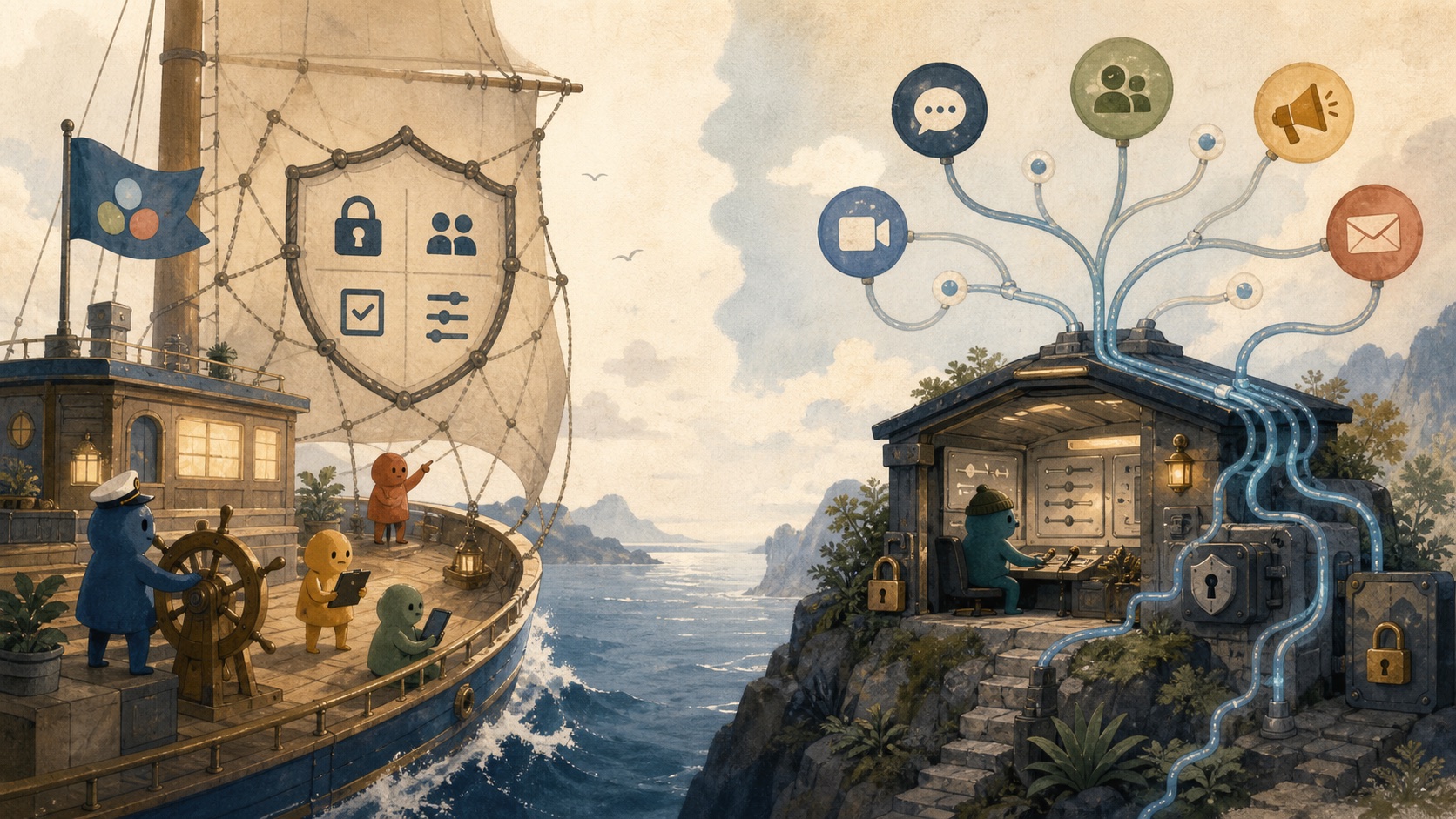
OpenClaw is a powerful personal Gateway that you host and operate yourself. Luffy is a managed AI employee inside Slack. Both can connect to Slack and tools, but they are built for different jobs: OpenClaw gives one operator broad control, while Luffy gives a team shared memory, collaborative work, and a managed path from setup to useful results.
The short comparison
| What matters | Luffy | OpenClaw |
|---|---|---|
| Product | A managed AI employee inside Slack for shared team work. | A self-hosted personal assistant and Gateway. |
| Memory | Shared memory of the entire workspace: projects, conversations, documents, and past decisions. | Operator-managed memory for one personal environment, without the shared context of other teams. |
| Team collaboration | Multiplayer by design: teammates can tag Luffy in the same thread, add context, and review the work together. | Built around one operator; shared team collaboration needs manual identity, access, and workspace setup. |
| Setup | Plug and play. Connect Slack and approved tools, then start working. | You need to host the Gateway, configure credentials, channels, tools, plugins, and updates, and steer it to get the output you need. |
| Focus | Built for team knowledge work and cross-app execution. | A general-purpose agent for personal work that can also be adapted for work. |
| Security | CASA Tier 2 approved, single-tenant data storage, admin controls, scoped app permissions, and safer managed plugins. | Security is mainly an operator responsibility: hosting, credentials, sandboxing, permissions, and plugin review. |
| Onboarding | A dedicated relationship manager plus 24/7 human support. | Your team owns setup, troubleshooting, maintenance, and user support. |
Luffy is a managed AI employee
Luffy remembers the company’s projects, conversations, documents, and past decisions. It builds a shared memory of the entire workspace, so the team can ask for a leadership brief, research a lead, update the CRM, or check stale deals without explaining the company from scratch every time.
OpenClaw has memory too, but it lives in the operator-managed Gateway and personal agent workspace. It is useful for one person; it does not give the rest of the company the same shared context about their work.
Luffy is multiplayer
You can tag Luffy in a Slack thread, add context, correct an assumption, and keep the finished work visible to everyone involved. Your teammates can contribute to the same task instead of waiting for one person to copy an answer out of a private agent.
OpenClaw can connect to Slack and other channels, but that does not automatically make it a multiplayer team workspace. The operator still has to configure identities, access, permissions, and the way the team reviews the work.
OpenClaw requires technical depth
OpenClaw is flexible because your team owns the machinery. You need to know how to host the Gateway, configure credentials and channels, review plugins, maintain updates, and steer it when the first output is not what you wanted.
Luffy is plug and play by comparison. Connect Slack and the tools you approve, describe the work you want done, and start. You do not need technical knowledge or have to do the heavy lifting behind every workflow.
OpenClaw is broad; Luffy is built for knowledge work
OpenClaw is a general-purpose agent. It is mainly useful as a personal system, although a technical team can adapt it for work. That flexibility is the point, but it also means it is not narrowly optimized for team knowledge work, shared context, and everyday collaboration.
Luffy is built for that specific job. It is designed for teams that need to turn company knowledge into reports, research, follow-ups, CRM updates, and other work that moves across tools and comes back to a shared Slack thread.
Security is part of the product
Luffy is security-first: the product is CASA Tier 2 approved, uses isolated single-tenant data storage, gives admins control over who can access what, scopes permissions by app, and keeps plugins within a managed safety boundary. Your team gets the compliance and controls as part of the service.
OpenClaw’s own security documentation describes one trusted operator boundary per Gateway, not a hostile multi-tenant boundary for mutually untrusted users. Pairing, allowlists, sandboxing, approvals, and plugin review can help, but your team has to configure and maintain them. You do not get the same managed, isolated setup out of the box.
You get a person to help you onboard
Luffy gives you a dedicated relationship manager with dedicated communication throughout onboarding. Your RM helps connect the tools, choose the first workflows, configure the workspace, and stay involved as the team turns the first experiment into dependable work.
With OpenClaw, your team has to manually set everything up and support it after launch. There is no dedicated person from the product team to take you through the rollout or help when the setup needs to change.
Choose based on the work you need to do
Choose OpenClaw when you want to do personal work or want a flexible agent that can cover both personal and work tasks, provided you have a technical person who wants to run it.
Choose Luffy when you want team collaboration, serious knowledge work, stronger admin control, better safety, and less hassle setting everything up.
Continue the work
Sources used in this guide
Luffy security and compliance overview; OpenClaw’s official GitHub repository; OpenClaw’s official security and sandboxing guidance; OpenClaw memory overview; OpenClaw Slack channel documentation.
Frequently asked questions
How is Luffy different from OpenClaw?
Luffy is an AI employee inside Slack for shared work, with workspace memory, visible thread collaboration, scoped access, and a dedicated onboarding relationship. OpenClaw is a general-purpose personal-agent Gateway that gives an operator control over hosting, channels, models, tools, and plugins.
Is OpenClaw safe for a shared team?
OpenClaw can be used responsibly, but its own security documentation describes one Gateway as a trusted operator boundary rather than a hostile multi-tenant boundary. Mixed-trust use requires deliberate identity, tool, sandbox, credential, and host separation.
Who should consider OpenClaw instead of Luffy?
Consider OpenClaw when a technical operator genuinely wants self-hosting, broad channel support, plugin control, and the responsibility for credentials, hardening, maintenance, and support.